Quoting Automation for Trades: What the Quote Agent Actually Does Today (and What It Doesn't)
AgentLane's Quote & Proposal Generator drafts a quote and emails it, with the arithmetic re-checked in code. There is no stored rate card behind it yet — here is exactly what runs today, and what your rate card needs to be ready for when there is.
By AgentLane Founder · Founder
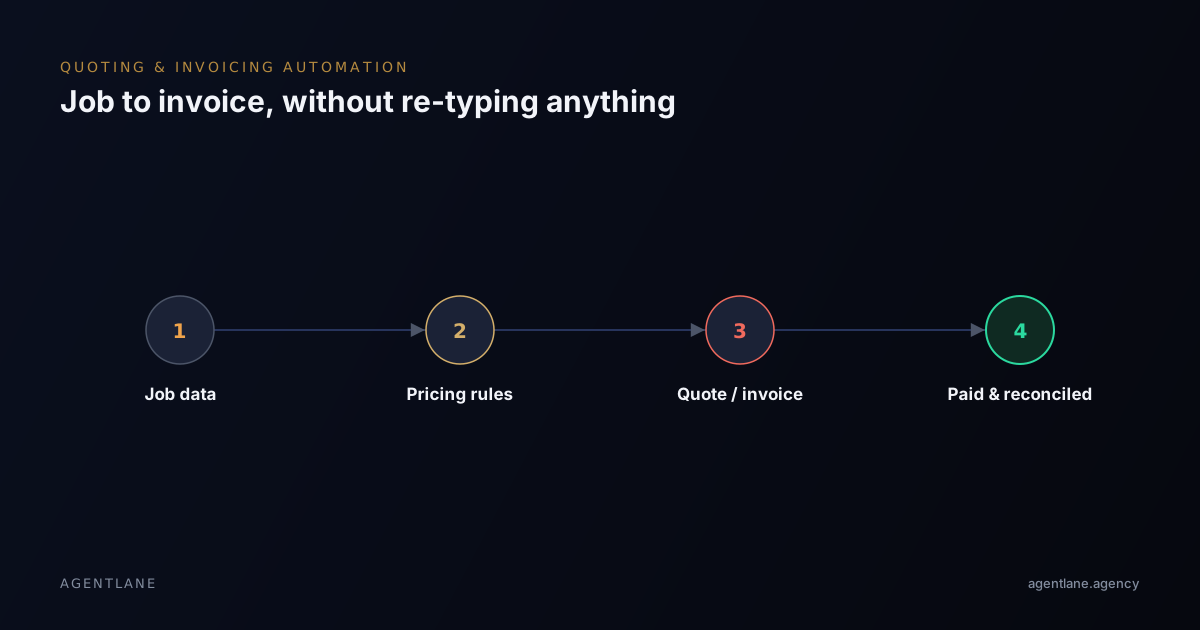
AgentLane's ai-quote-proposal-generator is the one catalog agent that puts a number in front of
a customer rather than just qualifying or routing a lead. That makes it the riskiest agent in the
catalog to get wrong: a bad classification sends an email to the wrong queue, but a bad price goes
out as a quote someone may hold you to.
This post is deliberately blunt about where it currently stands, because an earlier version of this page described a rate-card engine that does not exist in the product.
What actually runs
Webhook (quote request) ──► Look up client config ──► Draft proposal (Gemini)
                                                              │
                                                              ▼
                                                   Parse proposal (code)
                                                              │
                                                              ▼
                                                Apply pricing rules (code)
                                                              │
                                                              ▼
                                                Send quote email (Resend)
Five steps, one path, every time. There is no "did it match a service" decision, no unmatched branch, no Slack alert, no database write and no PDF. The quote goes out as the body of an email.
The honest state of the pricing
The step named apply_pricing_rules does not apply a rate card — there is nowhere in AgentLane
to store one. What it does is defensive validation: it requires the model to have returned a
well-formed array of line items, each with a positive quantity and a non-negative unit price, and
it re-sums the total itself rather than trusting a total the model wrote. If the shape is wrong it
throws with "refusing to quote an unverified total" and no email is sent.
That is worth having — it means the agent fails loudly rather than emailing a garbled quote — but it is a format check, not a pricing check. The numbers themselves are the model's. In testing, three identical requests for the same job produced three different totals.
So the rule for today is simple: treat the output as a first draft for a human to price. Do not put it in front of an end customer unreviewed, and do not sell this agent to a client on the promise that it prices from their rate card.
What it takes to run this
| Provider | Used for |
|---|---|
anthropic |
Legacy, unused. Inference runs on AgentLane's managed Google Gemini models on Vertex AI; no Anthropic key is read |
postgres |
Legacy, unused. The flow has no Postgres step |
resend |
Sends the quote email |
customjs |
Not a stored credential — a step-capability flag for the two inline code steps. No PDF generation |
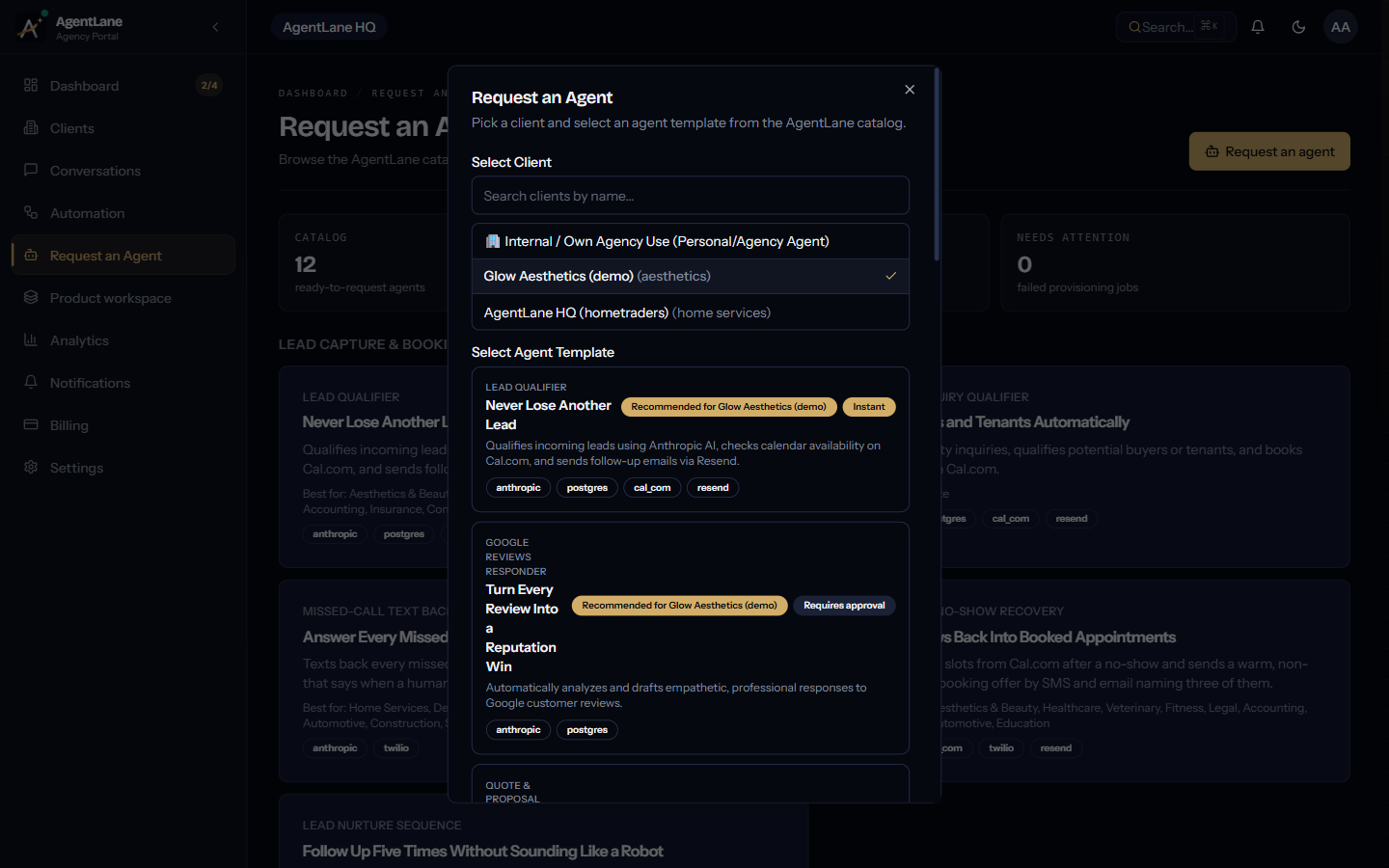
Like every other agent in the catalog, this one requires AgentLane staff approval before it provisions. See Deploy your first agent for the request-dialog walkthrough.
What your rate card will need when stored pricing does land
This part is unchanged advice and worth doing now, because it is the work that has to happen on your side regardless of when the platform can hold the table. A rate card that holds up needs, at minimum:
- A base labour rate, with an explicit after-hours or emergency-callout multiplier — not folded into a single blended number.
- A callout or trip fee kept separate from labour, since it applies whether the job takes ten minutes or two hours.
- A materials markup as a percentage, not a flat fee — job sizes vary too much for a flat number to hold.
- A minimum charge per service, so a five-minute fix doesn't compute against five minutes of labour.
- Named services that match how customers actually describe the job in their own words — "boiler's making a banging noise" needs to map to a real service row.
That last point is the one agencies most often get wrong on a first pass: building the pricing table around how the business owner categorizes services internally, rather than how customers phrase enquiries.
Where it needs a person
Every quote, today — see above. Disputes, where a customer questions a line item; that conversation needs someone who can explain the reasoning behind a specific number. Rate card maintenance, whenever stored pricing does arrive — material costs and labour rates drift, and automated pricing is only ever accurate as of the last time someone reviewed the table behind it.
Getting started
The reference for this agent — deploy path, credential list, industry fit, and the same limitation note as above — is at /docs/agents/quote-proposal-generator. If you're mapping out whether your own services fit cleanly onto a rate-card structure, book a free consultation and bring your last twenty invoices.
This post was rewritten on 2026-09-24 against the agent's actual workflow definition. The earlier version described a Postgres-backed rate card, a PDF step and an unmatched-enquiry branch, none of which exist in the product.
Frequently asked questions
- Does this replace our accounting software?
- No. It drafts a quote and emails it as an HTML email — there is no PDF, and no accounting integration. Reconciling paid invoices into whatever platform you use is a separate step you connect yourself.
- How does it know what to charge?
- Today, it doesn't. There is no place to store a rate card, so the price comes from the model's own reading of the enquiry. A code step re-checks the line items and re-sums the total, which catches malformed output but cannot make an invented number correct. Price every quote yourself before it reaches a customer.
- What about jobs that don't fit the rate card?
- There is no rate card and no unmatched branch — every enquiry goes down the same path. That is exactly why a person has to read the output before it is sent.
- What is customjs, and why does this agent need it?
- It's not a stored credential like the others — it's a step-capability flag for the flow's two inline code steps. It doesn't block provisioning on its own. It does not render a PDF; nothing in this agent does.