Signup & First Login
Every partner account starts at /signup. What the page asks for depends on the plan:
- A plan open for signup (its button on the pricing page says so and links
straight to
/signup): pick the plan, create your account and pay the platform fee by card. Your workspace activates as soon as the payment clears. - Enterprise, or a plan that isn’t open for signup yet (its button goes to the contact page): the page is a short application, and AgentLane sets up your workspace with you.
Published list prices — platform plans are Launch ($149/month), Professional ($449/month), Scale ($999/month) and Enterprise (from $2,500/month, invoiced), and the per-agent fee is $99/month per agent per client on Launch, $79 on Professional, $59 on Scale and $49 on Enterprise (30-agent-client annual minimum, on contract), with each additional agent for the same client at half price. Professional includes 3 agent-client seats and Scale 10 before the per-agent fee applies. See the pricing page for the current figures.
Paying by card at signup
Pick a plan and create your account
Choose Launch, Professional or Scale, then enter your name, work email, agency name and a password.
Pay the platform fee
A Stripe checkout opens inside the page. Enter your billing address (and a VAT number, if you have one) and your card. The platform fee is a monthly subscription; tax is added on top where it applies.
Your workspace activates
Once Stripe confirms the payment, the page loads your dashboard. Receipts, invoices and your card are in Dashboard → Billing → Manage subscription, where you can also cancel at the end of the billing period.
Applying instead
Apply for a partner account
Go to /signup and fill in the short application: your name, work email, agency name, the number
of client executions you expect each month, and your preferred AI mode. Whatever
you pick, every workspace runs on AgentLane’s managed AI; there is no AI key to bring. No card and no password are needed at this point — the form only creates a plan request that
AgentLane staff see in their admin console.
We set up your workspace
Within one business day someone from AgentLane confirms the plan that fits your volume, creates
your partner workspace and emails you the login details (a welcome email with a link to set your
password). If you already have a workspace, the same conversation continues in-product from
Dashboard → Request your plan (/dashboard/custom-plan).
Activate billing
Once your plan is confirmed, AgentLane sets up billing for you: a Stripe invoice for the platform fee and your agent-client seats, payable by card or bank transfer from the invoice itself, or net-30/60 invoicing on Enterprise. Dashboard → Billing shows the plan and the Request your plan thread where that conversation happens. Until billing is active the dashboard is limited to onboarding: adding clients, requesting agents and settings.
Logging in afterwards
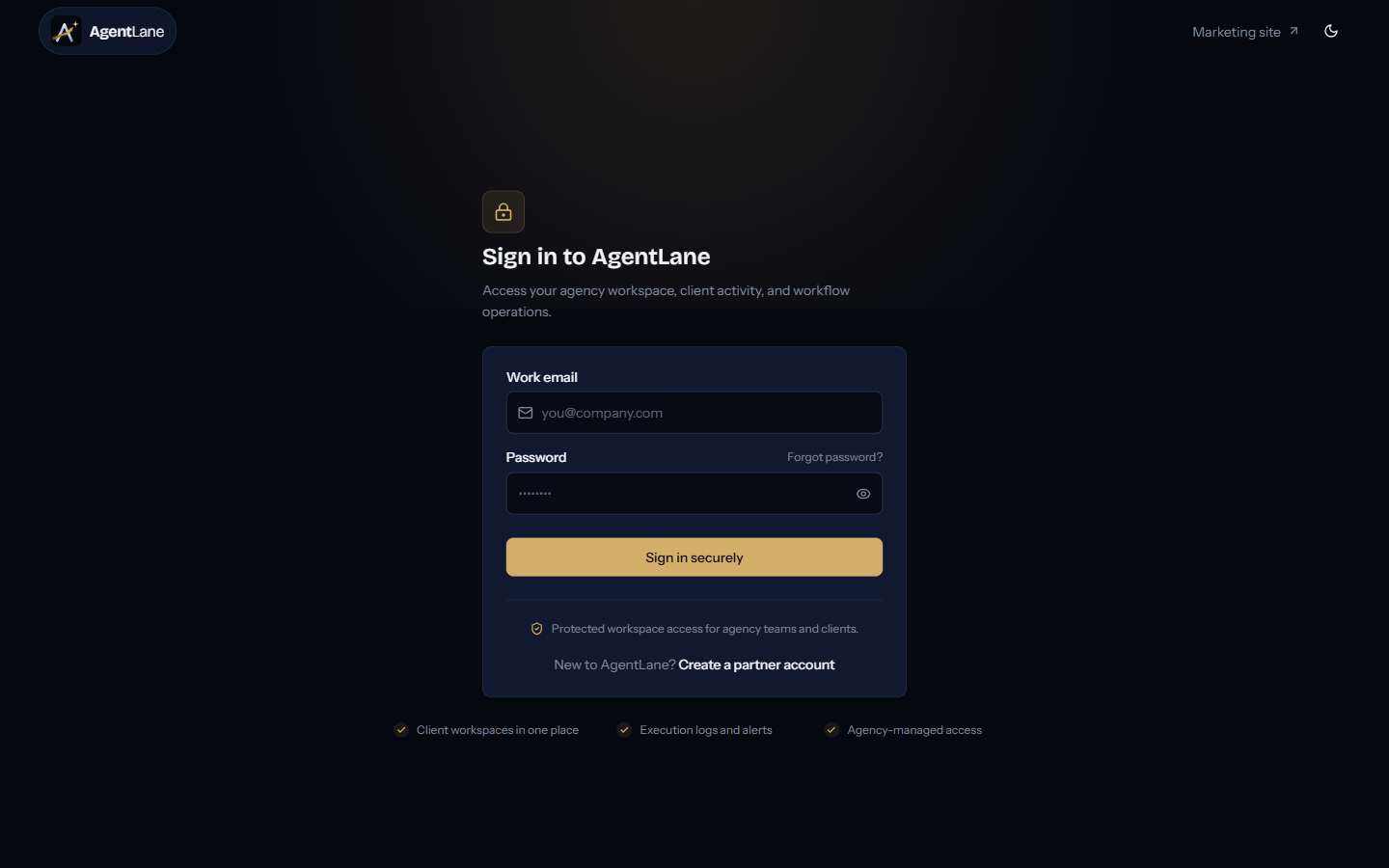
/login is a standard email/password form. If your agency has SSO configured and enforced, going to /login?sso=your-agency-slug (or clicking through from the standard form) sends you to your identity provider instead — see Single Sign-On.
When you first log in as a Partner, you land on the Dashboard Overview:
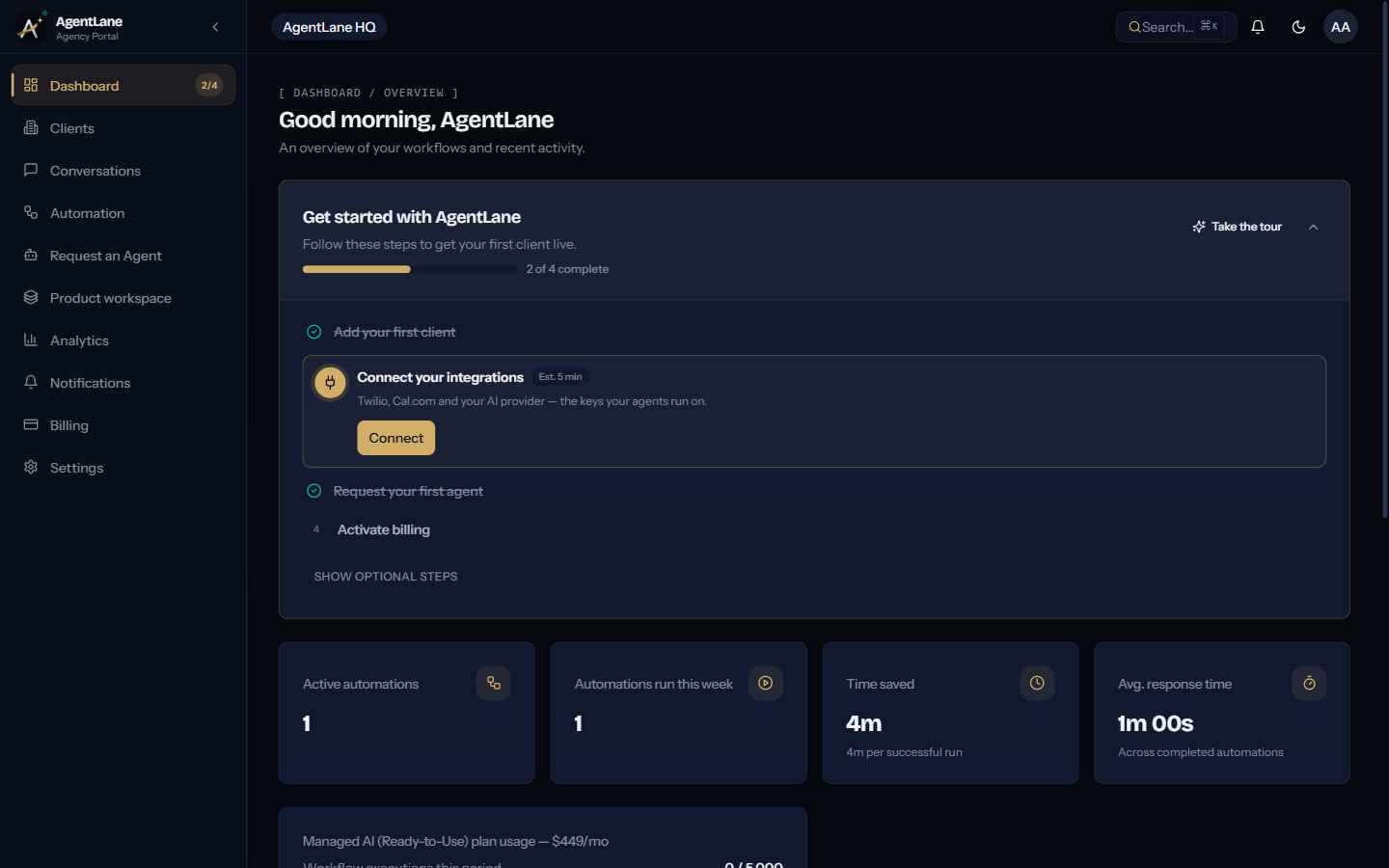
From here, follow Your first 60 minutes for the standard onboarding flow, or jump straight to Deploy your first agent for the full end-to-end walkthrough.
If you were invited by an existing agency (as a team member) or by your agency (as a client-portal user), you arrive via a single-use /invite/[token] link instead of /signup — see Login & Signup Flows for how invitations work.