Client Portal Reference
The Client view (/client/*) is intentionally the simplest area of the Portal. It gives the end-business owner transparency and basic control over their AI agent — without ever exposing workflow logic, other clients’ data, or the agency’s own configuration. This page is a pure route reference — for how a client gets here in the first place, see Invite a client to the portal.
/client
The Client home page. Before the agency has provisioned any workflow, it shows a plain reassurance message instead of an activity dashboard full of zeros. Below that sits a short “Getting started” checklist (conversations, notification preferences, and — only on a BYOK plan — an AI provider key), which persists its progress locally and never reopens once every visible step is done. No tour or modal opens automatically on login; a “Take a 60-second tour” link in the checklist header is opt-in. While setup is incomplete, the sidebar’s Home link carries a small “n/m” badge so it stays visible from any page in the portal.
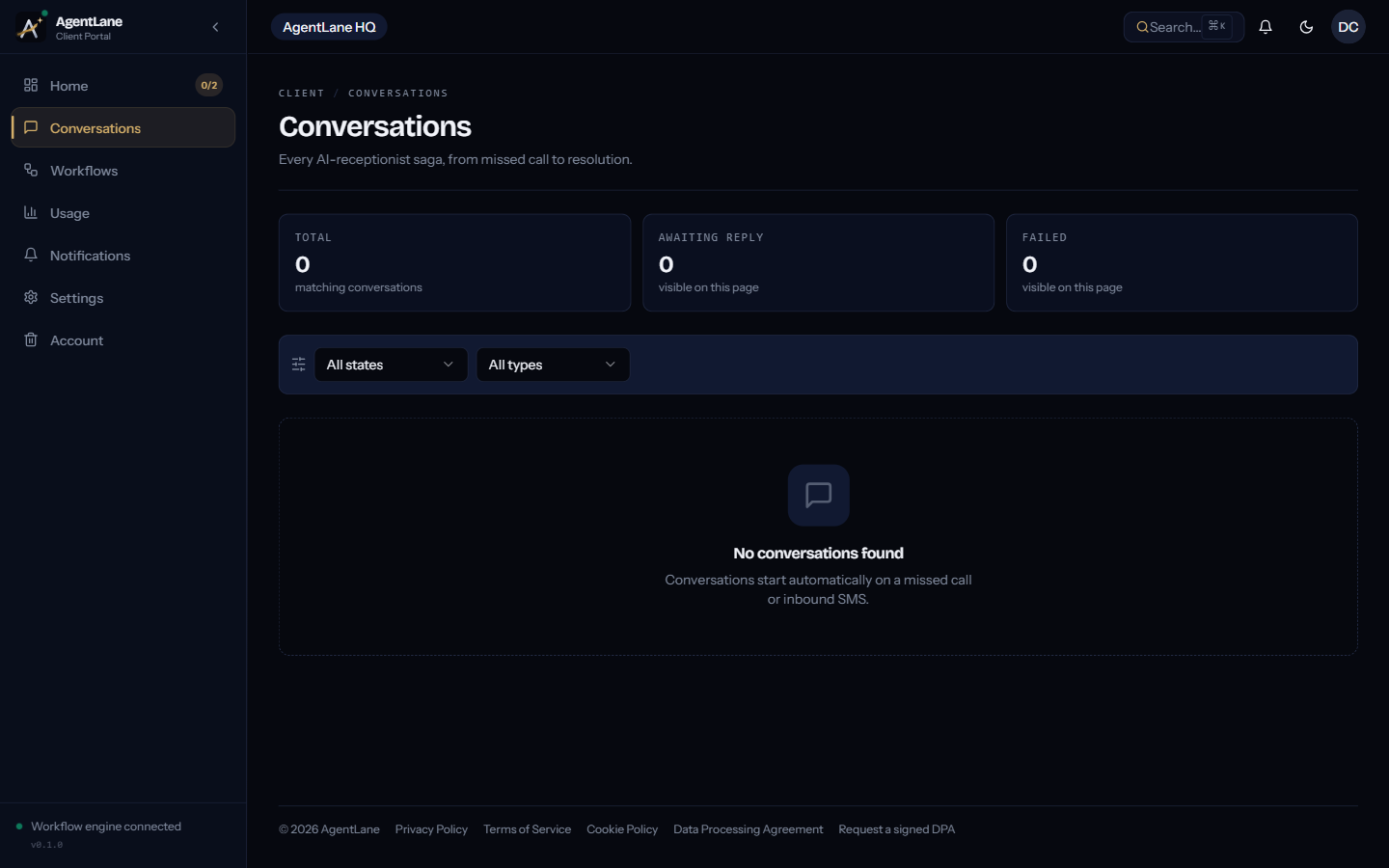
/client/conversations
Every SMS conversation the agent has started on the client’s behalf — today that is the missed-call
text-back — with the message the caller received, any reply the caller sent back, and the workflow
runs behind it. Opening one (/client/conversations/[id]) shows what was sent and where the
conversation stands.
Two things this is not: there is no website chatbot — AgentLane does not provide an embeddable
chat widget for the client’s own site — and voice calls are not here either; they have their own page
(/client/voice, below) and no transcript. The chat bubble inside the client portal is an assistant
for the client’s own questions about their account; it is not something their customers can reach.
/client/voice
If a voice agent is live on this client’s phone number: per-call records (status, duration, how the call ended), and a monthly summary. No audio or transcript is ever available here — see Voice Call Tracking for exactly what is and isn’t recorded.
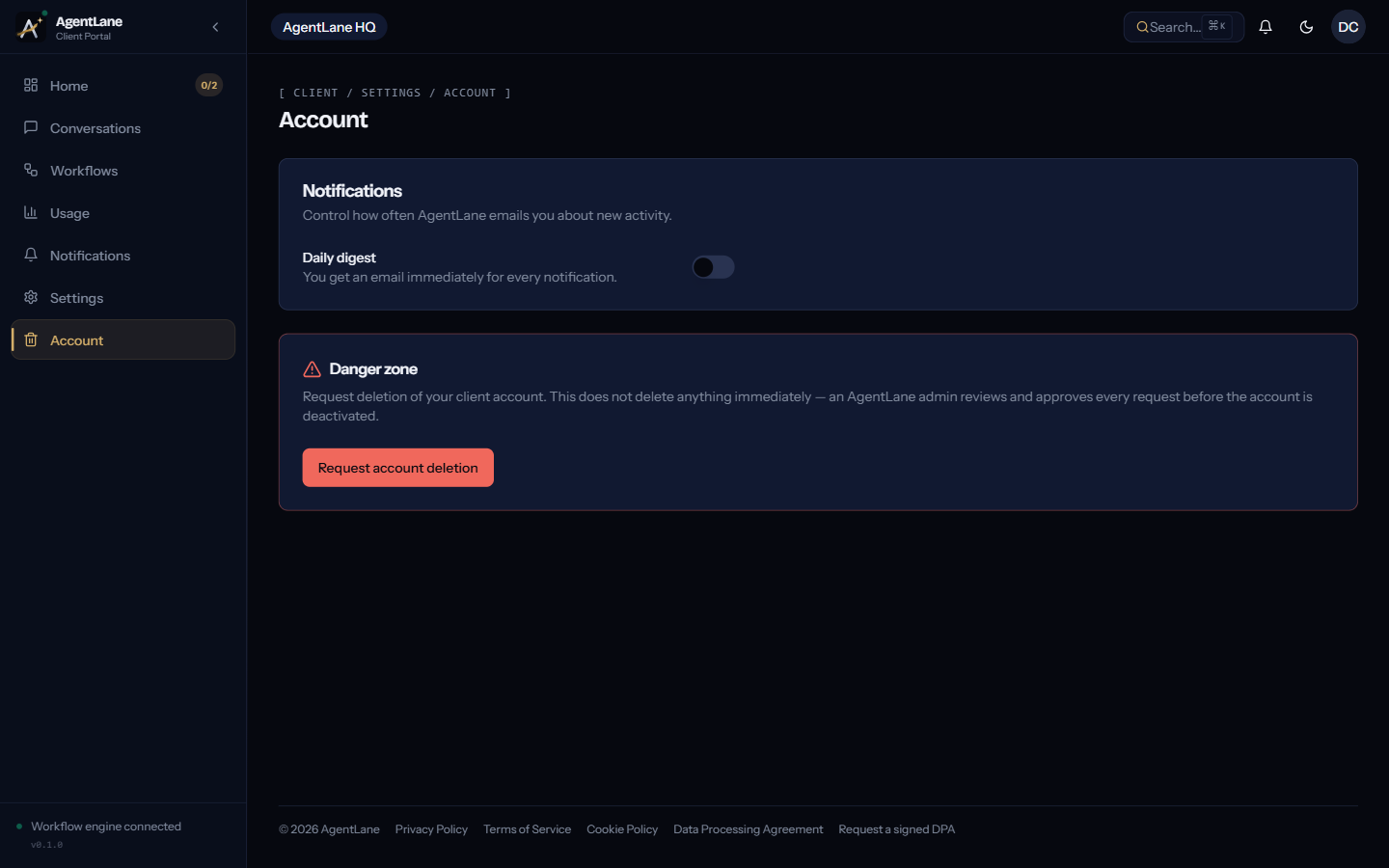
/client/settings/account
Controls email notification frequency (immediate vs. daily digest), and where an account deletion request starts (30-day grace period before permanent removal).
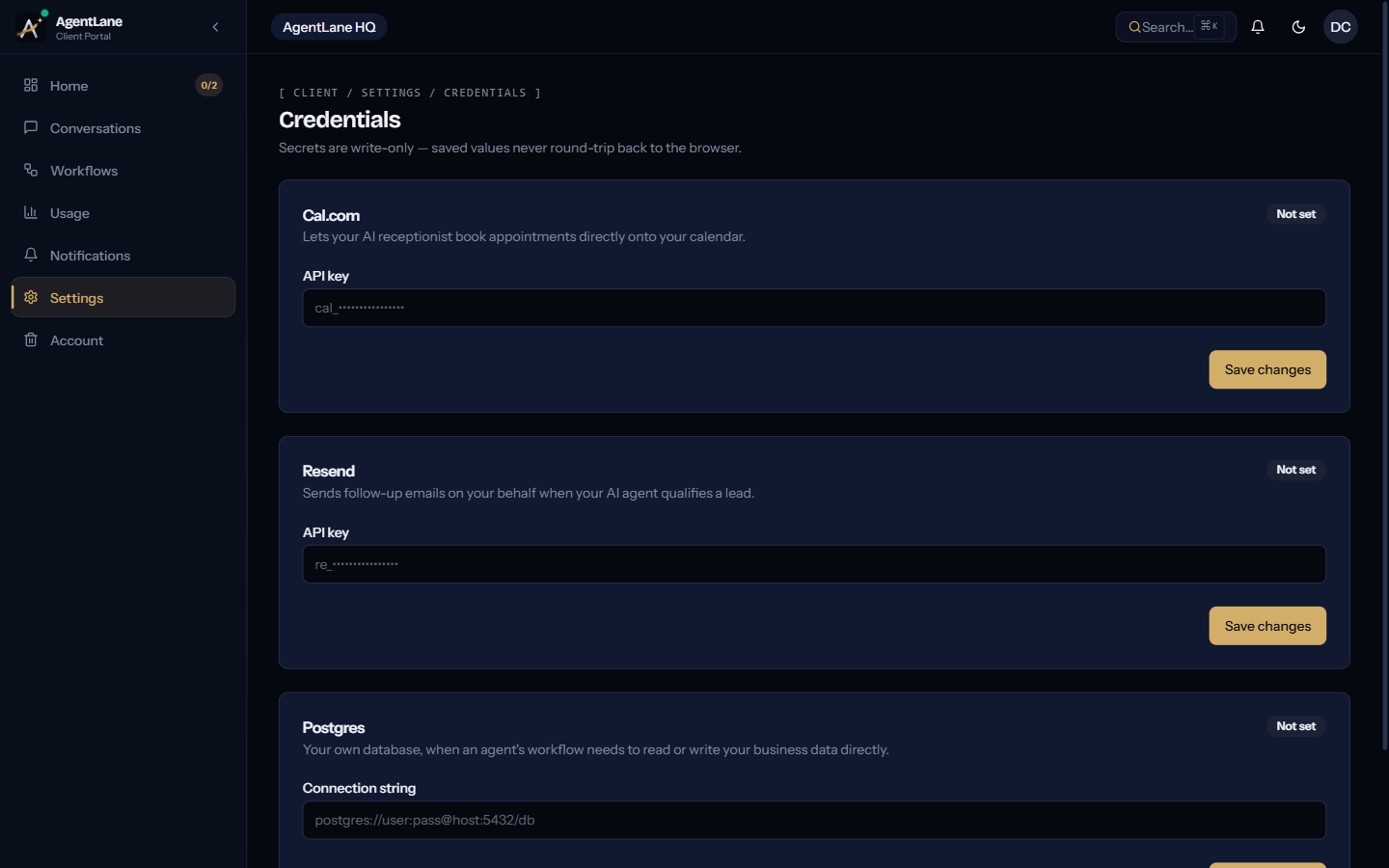
/client/settings/credentials
Overrides the agency’s default credentials with the client’s own — Anthropic/OpenAI (hidden on Managed AI plans), Cal.com, Resend, Postgres. Anything not set here falls back to the agency’s shared default. All secrets are write-only.
For the exact REST routes, sourceMode semantics, and per-provider field shapes behind this page, see API Access → BYOK Credentials Vault.
/client/usage
Available execution credits, current limit, usage so far, a table of active workflows, and purchase history of any credit packages.
/client/workflows
A read-only list of the AI agents and workflows the agency has activated for this account, each with an Active/Inactive badge.
/client/notifications
Platform events relevant to the client — new conversations needing attention, usage alerts, account updates — governed by the frequency set in Account settings.
The bigger picture: how business context reaches the AI
Nothing in the Client view edits a workflow directly. The fields maintained here (and on the agency’s own client-detail page — business hours, services, contact links) feed straight into the AI agent’s prompt — update a price list, and the AI’s next conversation reflects it automatically.