Connect Integrations
Agents your agency deploys use third-party credentials for Twilio, Cal.com and Resend. AI is not one of them: every agent runs on AgentLane’s own managed Gemini models on Vertex AI, on every plan. You set agency-wide defaults once; individual clients can override any of them later without touching your own settings.
Open Settings → Integrations
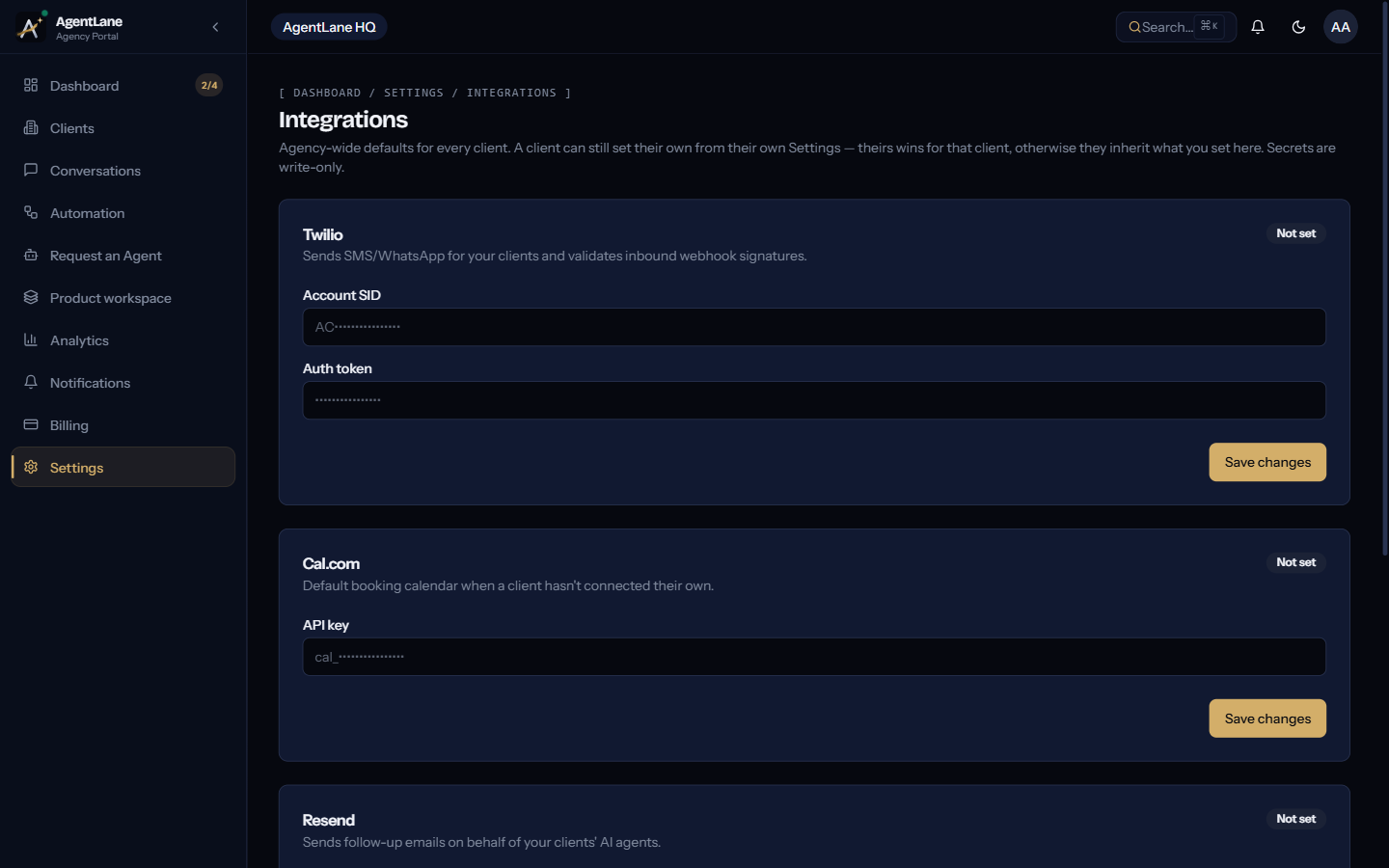
Go to /dashboard/settings/integrations. Each provider gets its own card.
There is no AI key to set
AgentLane routes every AI call through its own account, whatever your plan, and never reads an agency or client AI key. New Anthropic or OpenAI keys are not accepted. If your agency stored one before, its card still appears so you can see or replace it, but no agent uses it.
Set Twilio, Cal.com, and Resend
- Twilio — Account SID and Auth Token. Sends SMS/WhatsApp on your clients’ behalf and validates inbound webhook signatures.
- Cal.com — an API key, used as the default booking calendar when a client hasn’t connected their own.
- Resend — an API key, used to send follow-up emails on behalf of your clients’ AI agents.
Postgres is not needed
No catalog agent reads or writes a Postgres database, and the request dialog does not check for one. You don’t need to set a connection string.
Configure your workflow instance
Below the credential cards, this page also shows your workflow resources and their provisioning status. This section is hidden entirely on the Launch plan.
The credential waterfall
A credential resolves in this order, for a given client and provider:
- That client’s own credential — set from their own Settings → Credentials.
- Your agency-wide default — set here.
There is no platform fallback for Twilio, Cal.com or Resend: if neither is set, the credential isn’t configured. AI is not part of the waterfall, because it always runs on AgentLane’s own account.
All secrets are write-only — once saved, they never round-trip back to the browser, even to you. For the exact REST routes and per-provider field shapes behind this page, see API Access → BYOK Credentials Vault.