Partner Dashboard Reference
As a Partner, the dashboard (/dashboard/*) is where you run your AI automation agency. This page is a pure route reference — for step-by-step walkthroughs, see Workflows.
Most action buttons on this side of the Portal (saving config, buying credits/seats, inviting people, deleting things) are hidden or disabled for team members with the moderator permission — only admin team members can mutate anything. See Team permissions within a Partner.
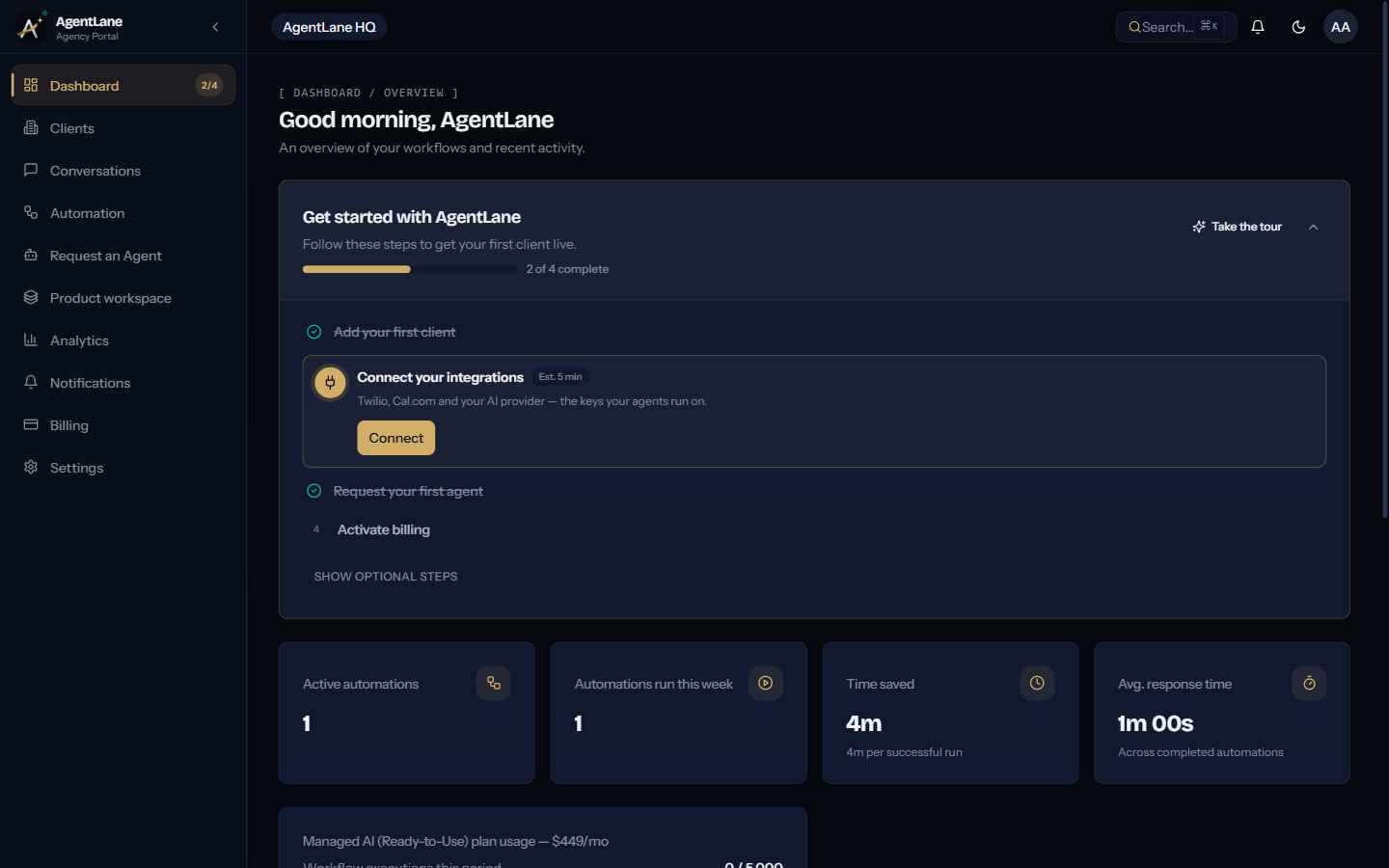
Until the four required onboarding steps are done, the overview leads with a “Get started with AgentLane” checklist — see Your first 60 minutes for how it behaves. A moderator sees a read-only progress card in its place instead of a to-do list they’d be blocked from acting on.
/dashboard/clients
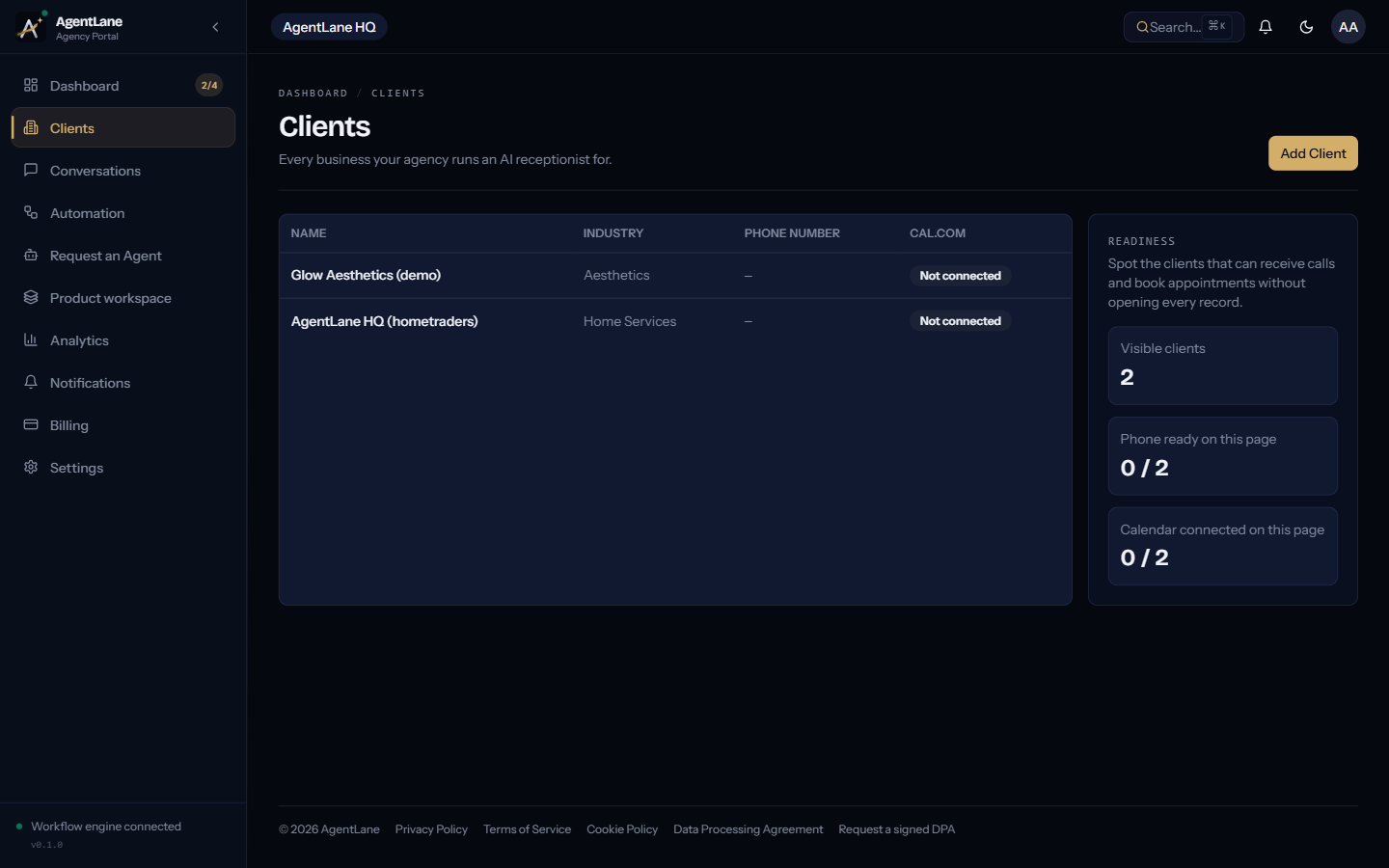
Your CRM — every end-business you service, paginated and searchable. Opening a client (/dashboard/clients/[id]) gives you a Go-live checklist (business hours, services, phone number, booking, owner contact, each linking to where it is set), a mini dashboard (conversations, automation runs, reliability, and an Outcomes panel for the last 7, 30 or 90 days: missed calls texted back, bookings made by agents, callbacks requested, and the median time to the agent’s first SMS reply; if you set an Average job value on the client’s Configuration screen, it also shows an Estimated value = bookings × that amount, labelled as an estimate), automation coverage summary, a link to the Configuration tab (hours, services, booking, contact and integration fields), an execution credit top-up, and an invite-to-client-portal action. See Add a client.
/dashboard/agents
The agent catalog: agents grouped by category, each showing its headline, description, best-fit industries, and required credentials. See Deploy your first agent and the Agent Catalog.
/dashboard/workflows
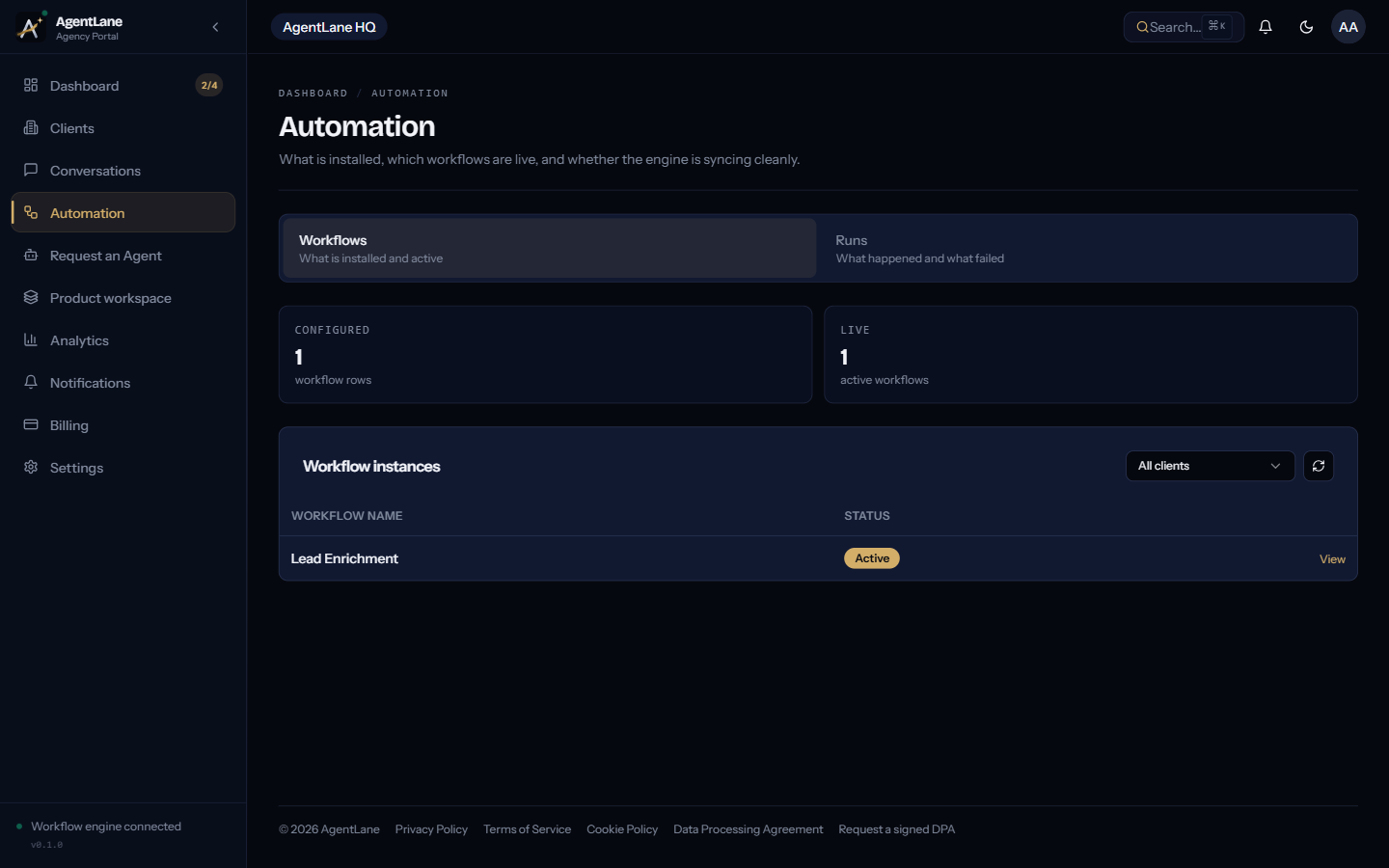
Shows the health of the workflow engine instance your agency’s automations run on (shared or dedicated — see Workflow Engine), plus a per-client, filterable list of provisioned workflow instances. A Re-check health action re-runs the connectivity check on demand.
/dashboard/executions
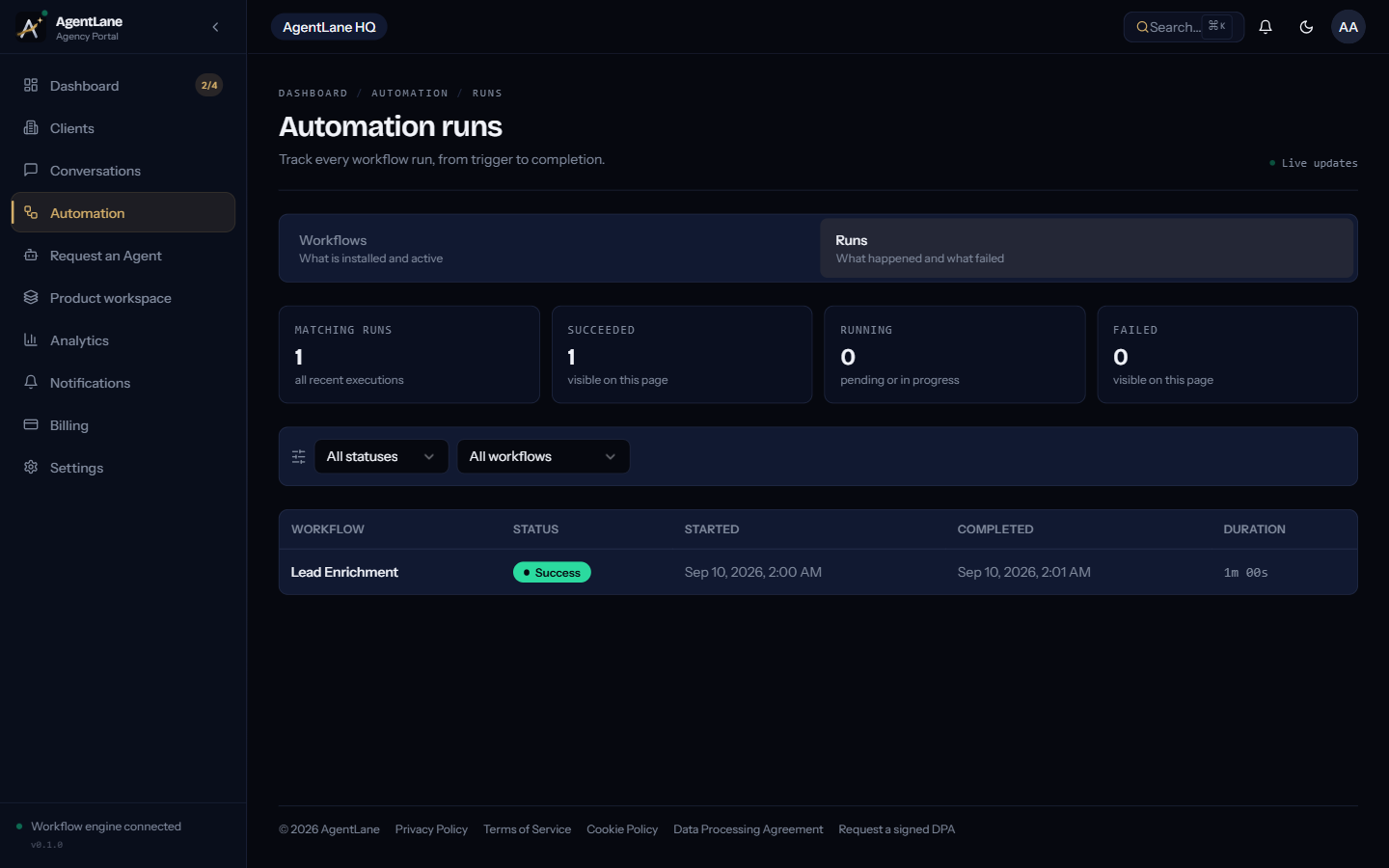
A real-time, cross-client feed of every workflow run, with a live connection indicator. Filter by status and workflow, and expand any row for the raw output payload. See Monitor & debug.
/dashboard/automations
The health of the automation engine (AgentLane’s built-in runner) your flows run on, plus per-flow run stats for the last 24h/7d. See Monitor & debug.
/dashboard/voice
Per-call voice records for any client with a live voice agent — status, duration, and a monthly summary. See Voice Call Tracking.
/dashboard/analytics
Turns the last 30 days of conversations into business-impact numbers: leads recovered, appointments booked, staff hours saved, average response time, plus a stacked area chart of conversation volume per day.
/dashboard/billing
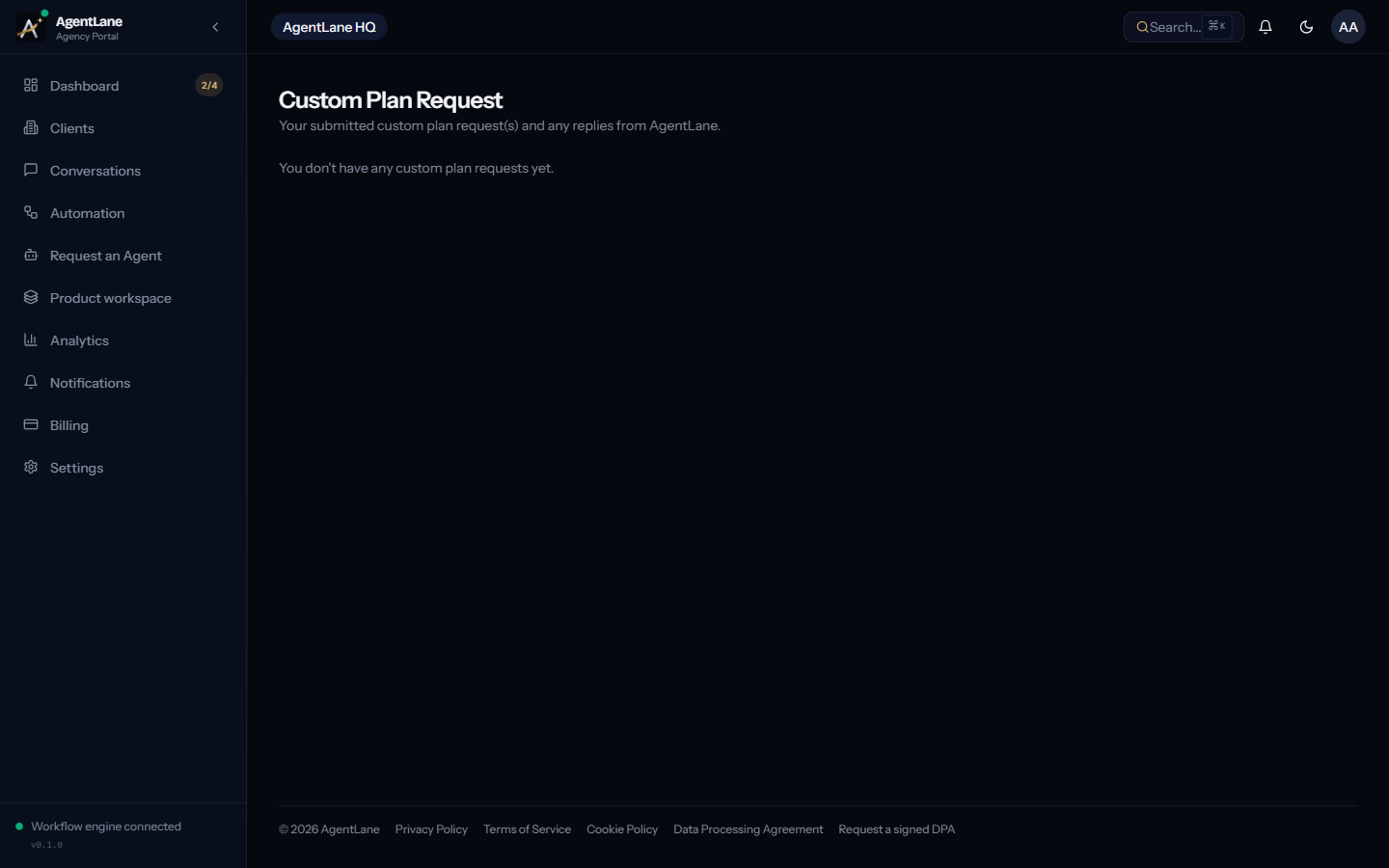
Your plan, a usage gauge, seat usage, and an AI token breakdown. /dashboard/custom-plan opens a message thread with AgentLane staff. See Billing & credits.
Settings
| Route | Covers |
|---|---|
/dashboard/settings/team | Team members, invitations, permission (admin/moderator), seats |
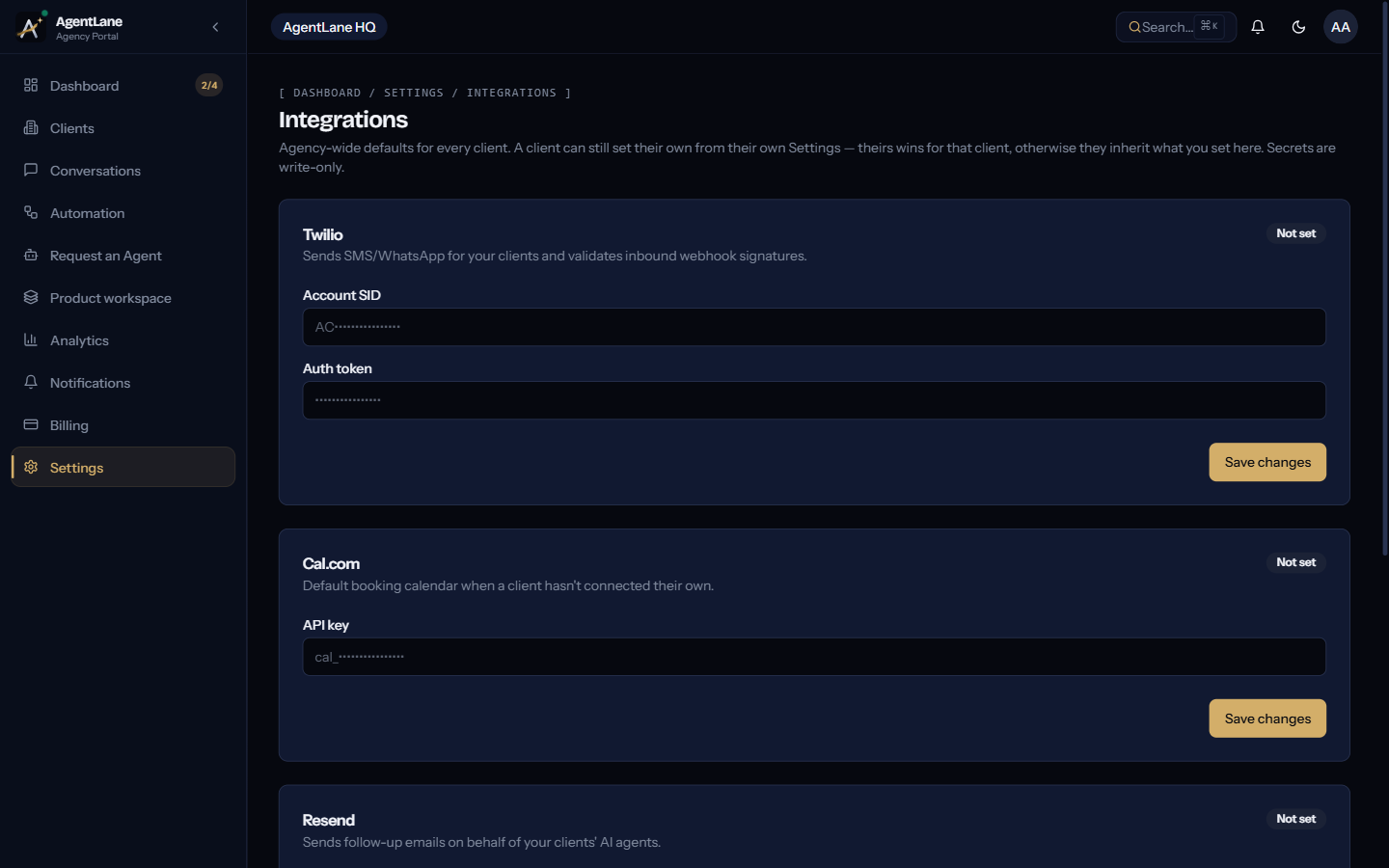
/dashboard/settings/integrations | Agency-wide default credentials and your workflow instance — see Connect integrations |
/dashboard/settings/sso | OIDC/SAML connection and enforcement, plan-gated |
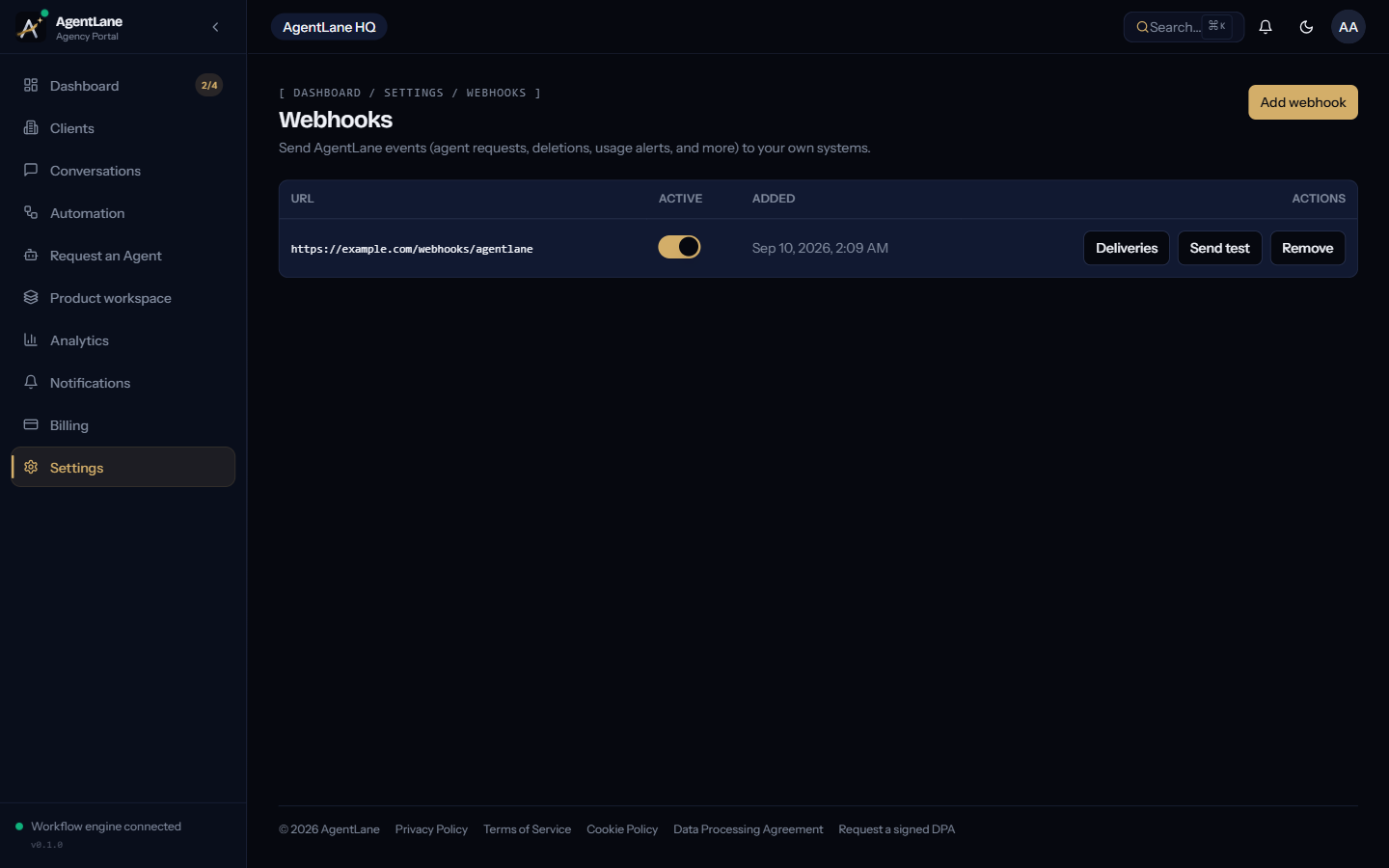
/dashboard/settings/webhooks | Outbound webhook endpoints for account events — see API Access |
/dashboard/settings/chatbot | The AI assistant your clients see inside their own portal — model, system prompt, welcome message, tool permissions. See AI Models & Credits |
/dashboard/settings → Domains | Your own portal address and sender domain (Professional and up; appears once enabled for your platform) — see Custom Domains & DNS Setup |